Guide
How to Accept Card Payments in South Africa (2026)
Four ways to accept card payments in South Africa, and the companies that offer all four in one account, so you pay one set of fees and use one app.

Some links here are referral links, and where a provider gives our readers a better price than its own site, that is the price you get by using one. It costs you nothing extra, and every option here is judged on the same test either way.
The answer
4 ways
to accept card payments, all from one company
You can accept card payments with a card machine, your phone, a payment link or an invoice your customer pays online. None of them needs a contract with a bank.
Yoco and iKhokha offer all four in one account, so you pay one set of fees and see every sale in one app. Start with the Yoco Khumo 2 at R599 with Yoco's R100 off, or the iKhokha iK Flyer Lite at R629 if your customers buy prepaid.
| Card machine | Your price | Phone, links and invoices | |
|---|---|---|---|
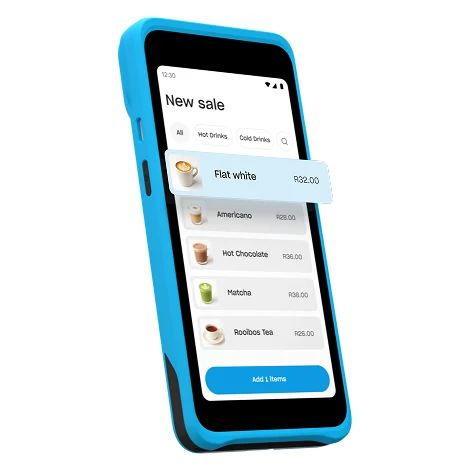 Yoco Khumo 2 |
R599 | All included | Get R100 off → |
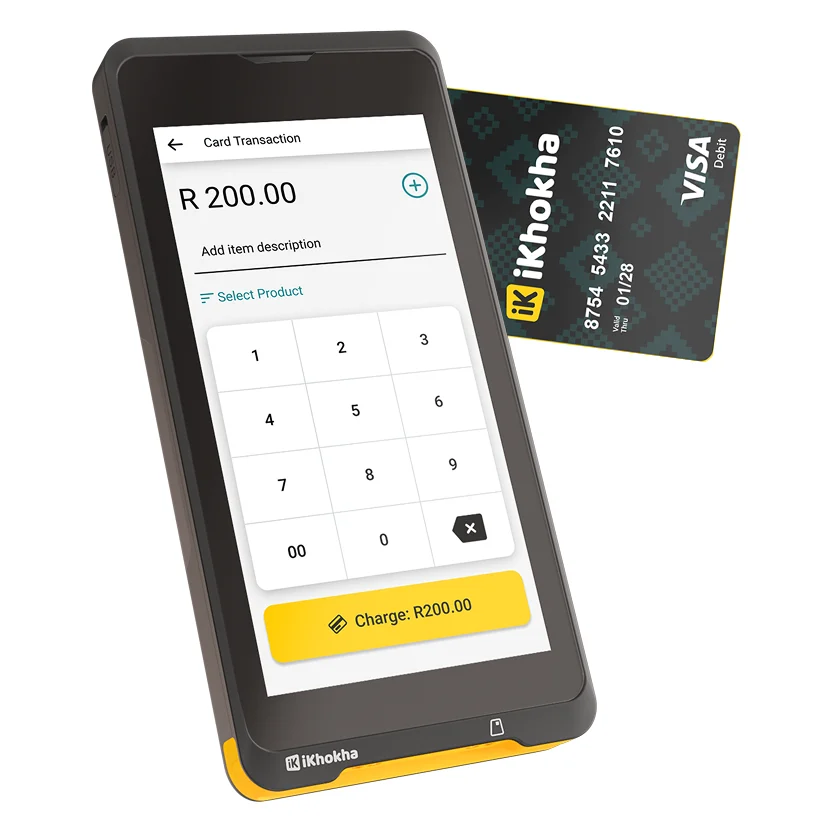 iKhokha iK Flyer Lite |
R629 | All included | Get 10% off → |
Each company here gives you all four ways to get paid. With its deal, the Yoco Khumo 2 is the cheapest machine at R599, and Yoco's free plan has no monthly fee. Each company's extra discount from the links on this page is already taken off the price.
Prices confirmed 7 November 2026
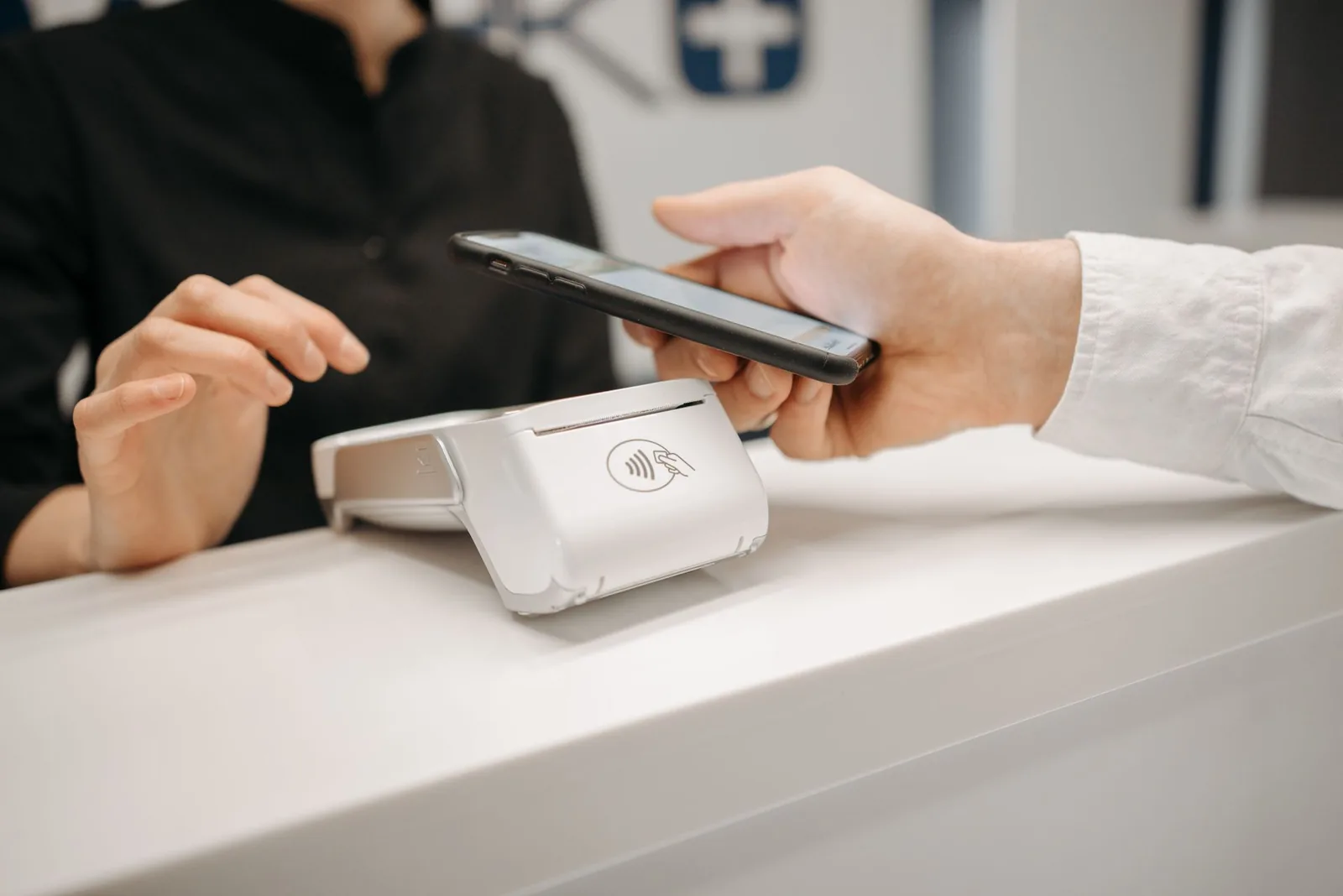
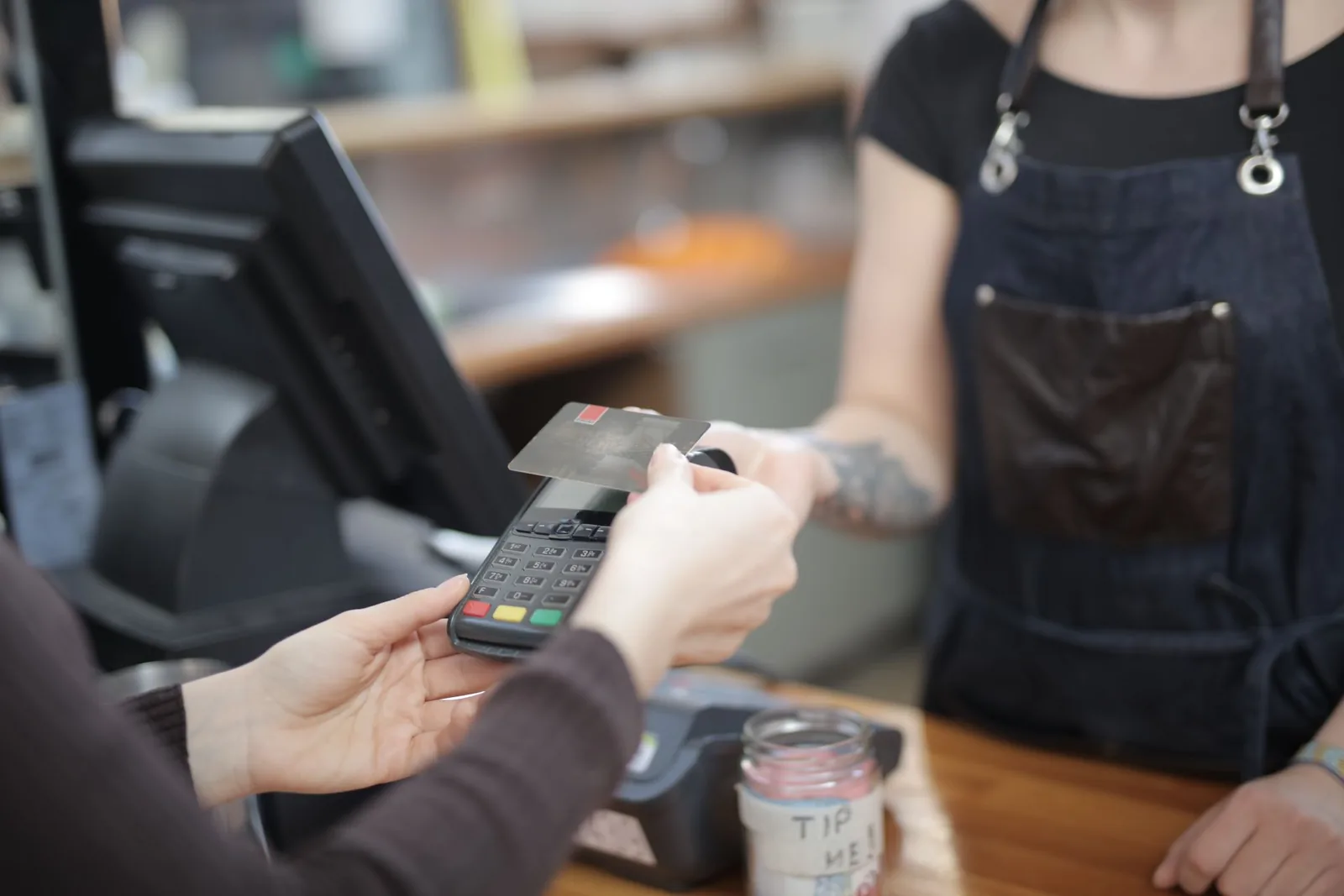
You can accept card payments with a card machine from a company like Yoco or iKhokha, without signing a contract with a bank. You can also take tap payments on your phone, and send payment links or invoices that customers pay online.
In this guide I'll show you the companies that offer all four, so you can choose one that suits your business. That way you pay one set of fees, keep every sale in one app, and avoid paying for two products that do the same job.
Why one company for all four ways
Most businesses end up needing more than one way to get paid. A salon takes cards at the counter, then a deposit by link for a wedding booking. A plumber takes a card on site, then sends an invoice for a bigger job. If each of those comes from a different company, you pay separate fees and check separate apps.
With one company, every sale lands in the same account and the same payout. So it's worth choosing a company that covers all four from the start, even if you only use the machine at first.
Which companies offer all four ways
| Card machine | On your phone | Payment links | Invoices | |
|---|---|---|---|---|
| Yoco | From R699 | Tap to Pay on iPhone | Included | Included |
| iKhokha | From R699 | iK Tap on Phone, free | iK Pay Link | iK Invoice |
| WAPPoint | Rentals from R189 a month | SoftPOS, from R50 a month | Not listed | Not listed |
WAPPoint's SoftPOS app is free above R5 000 a month in card sales.← scroll sideways on a narrow screen →
Yoco and iKhokha cover all four ways in one account. WAPPoint suits renting a machine and taking taps on a phone.
1. A card machine, for every card your customers carry
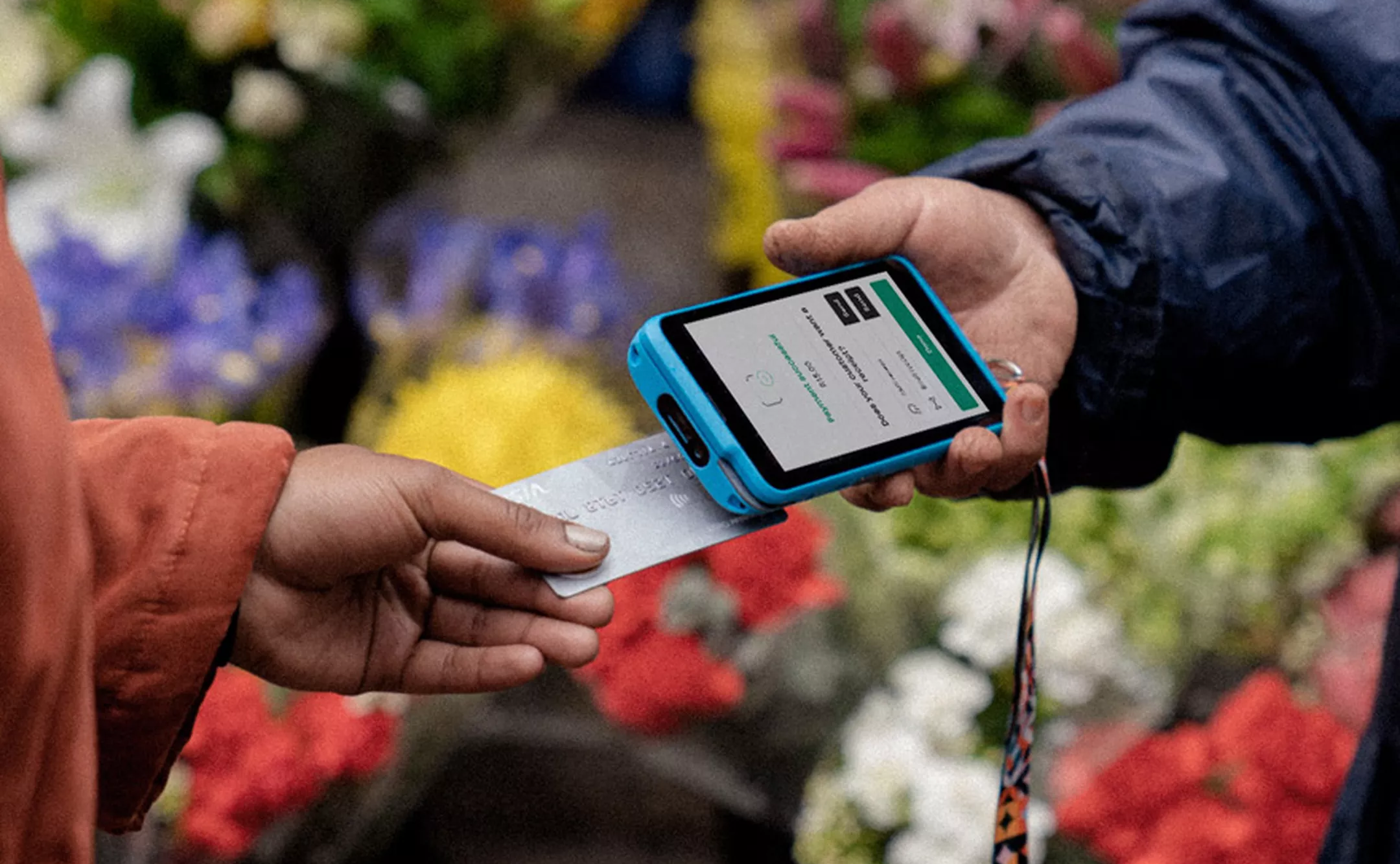
A card machine is the way to start for most businesses, because it takes every card, whether a customer taps, inserts or swipes it. The cheapest cost R699 to buy, with nothing to pay monthly on Yoco's free plan. You pay a small fee on each sale instead.
Yoco doesn't ask for a registered company, so a sole trader can sign up with an ID and a bank account and start the week the machine arrives. If you don't have a business bank account yet, our guide to starting without one walks you through it.
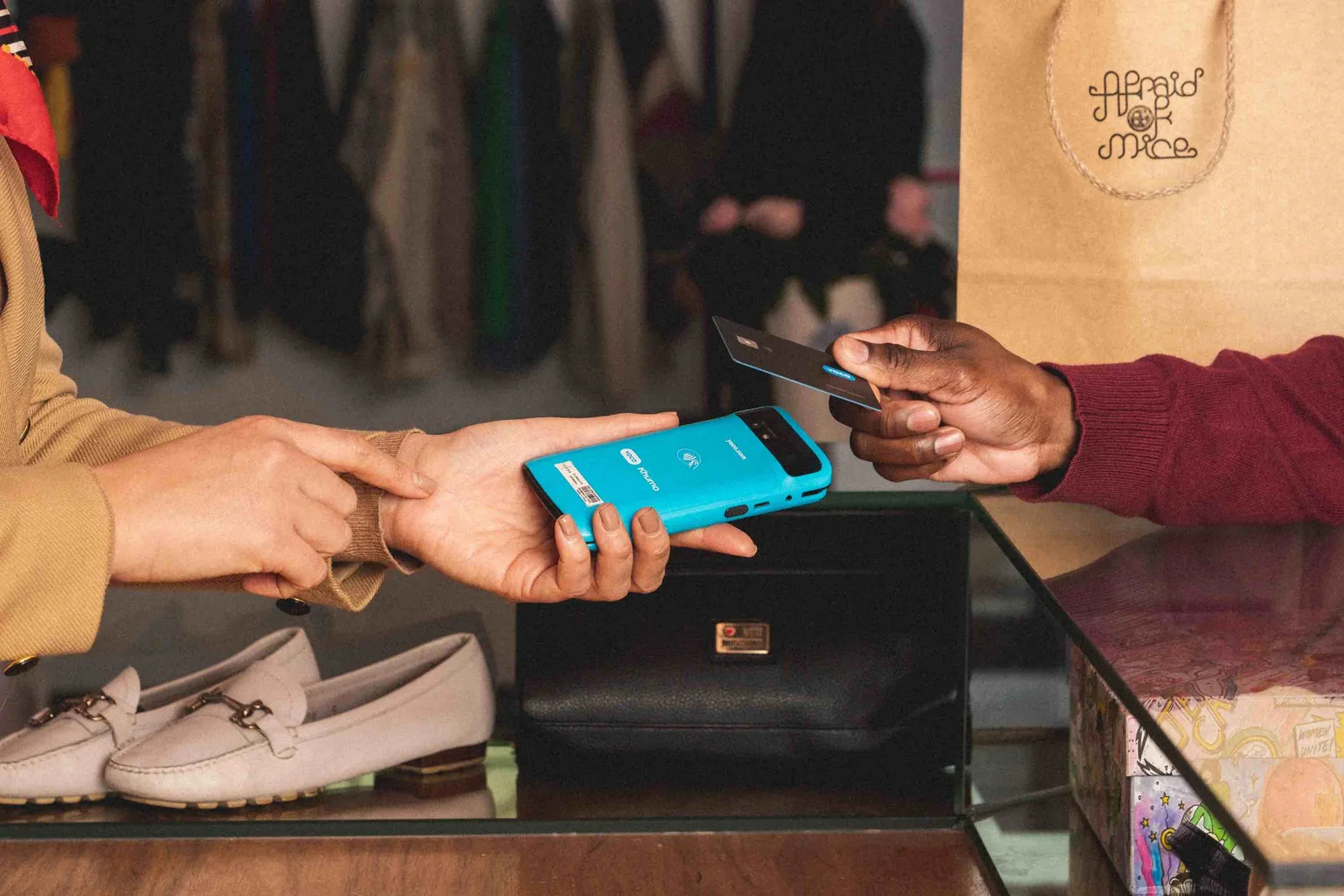
Yoco Khumo 2
2.30% excl. VAT a sale, with data, payment links and invoicing included.
My quick review of the Khumo 2, for your first card machine
The Khumo 2 is the simplest way to start, because the machine, links and invoices all come with one free account.
Where it stands out
- No monthly fee on Yoco's free plan
- Its own SIM, with data included
- No registered company needed
Buy it if
- You're taking cards for the first time
- You run a shop, salon or service business
Skip it if
- Customers ask you for airtime or electricity
If you skip it, the best alternative
The same R699, and it sells prepaid, with a slightly lower fee, 2.10% against Yoco's 2.30%. But data costs R75 a month and payouts R2.50 a day, where Yoco includes its data and pays out free, so on mobile data it costs a little more to run below about R61 000 a month.
Read our full iKhokha reviewThe plans
You pay for the Khumo 2 once: R699 for the machine, or R599 with the R100 off Yoco gives through the discount links on this page. After that, the plan you choose decides two things, what you pay each month and what Yoco takes from each card sale. Most small businesses stay on Core, which costs nothing a month. The paid plans lower the fee a little and add tools, so pick one for the tools rather than the saving.
Core
R0a month
What you get
- 2.30% on local cards, up to R50 000 a month
- 1.35% on local debit cards above R50 000
- Yoco POS, payment links and invoices
- Payouts to any bank, free in 1 to 2 business days
Terms
- International cards 3.20%
- Instant Payout 1.5%, minimum R17.25
- Fast Payout, by 8am the next day, 0.75%, minimum R7.50
The plan to start on, and the one most people stay on.
Plus
R249a month per shop
What you get
- 2.10% on local debit, 2.20% on credit, up to R50 000
- A loyalty programme at checkout
- Appointment bookings
- More than one shop on one account
Terms
- 30 days free
- International cards 3.10%
On fees alone it saves R100 a month at R50 000 in debit sales, so choose it for loyalty or bookings.
Pro
R499a month per shop
What you get
- 1.95% on local debit, 2.15% on credit, up to R50 000
- Fast Payout by 8am, free for now
- Table-side ordering
- Advanced staff permissions and accounting links
Terms
- 30 days free
- International cards 3.05%
Built for restaurants that take orders at the table.
Prices and plans from yoco.com on 21 Oct 2026. Plan fees are per location and exclude VAT; card fees are on local cards up to R50 000 a month.
iKhokha iK Flyer Lite
2.10% excl. VAT a sale, and it sells airtime, data and electricity.
My quick review of the iK Flyer Lite, for your first card machine
The iK Flyer Lite is for a counter where people already ask for prepaid, so the machine earns on more than card sales.
Where it stands out
- A lower fee per sale than Yoco
- Commission on airtime, data and electricity
- Same-day payouts on Nedbank or the iK Debit Card
Buy it if
- People ask you for airtime or electricity
- You need today's sales today
Skip it if
- You want no monthly costs at all
If you skip it, the best alternative
The same R699, with data included and free payouts, so it costs a little less to run below about R61 000 a month, even though its fee is slightly higher (2.30% against 2.10%). The iK Flyer Lite sells prepaid airtime and electricity, and its SIMs cost R75 a month.
Read our full Khumo 2 reviewPrices from ikhokha.com on 4 Nov 2026; the struck price is iKhokha's own.
Choose Yoco for shops, salons, cafés and service businesses. Choose iKhokha for spaza shops, tuck shops and taxi ranks, where customers buy prepaid. Banks also offer card machines, usually linked to a business account with them, and Capitec's settles only into a Capitec account. For every machine side by side, see our ranking of the best card machines.
2. Your phone, to start straight away
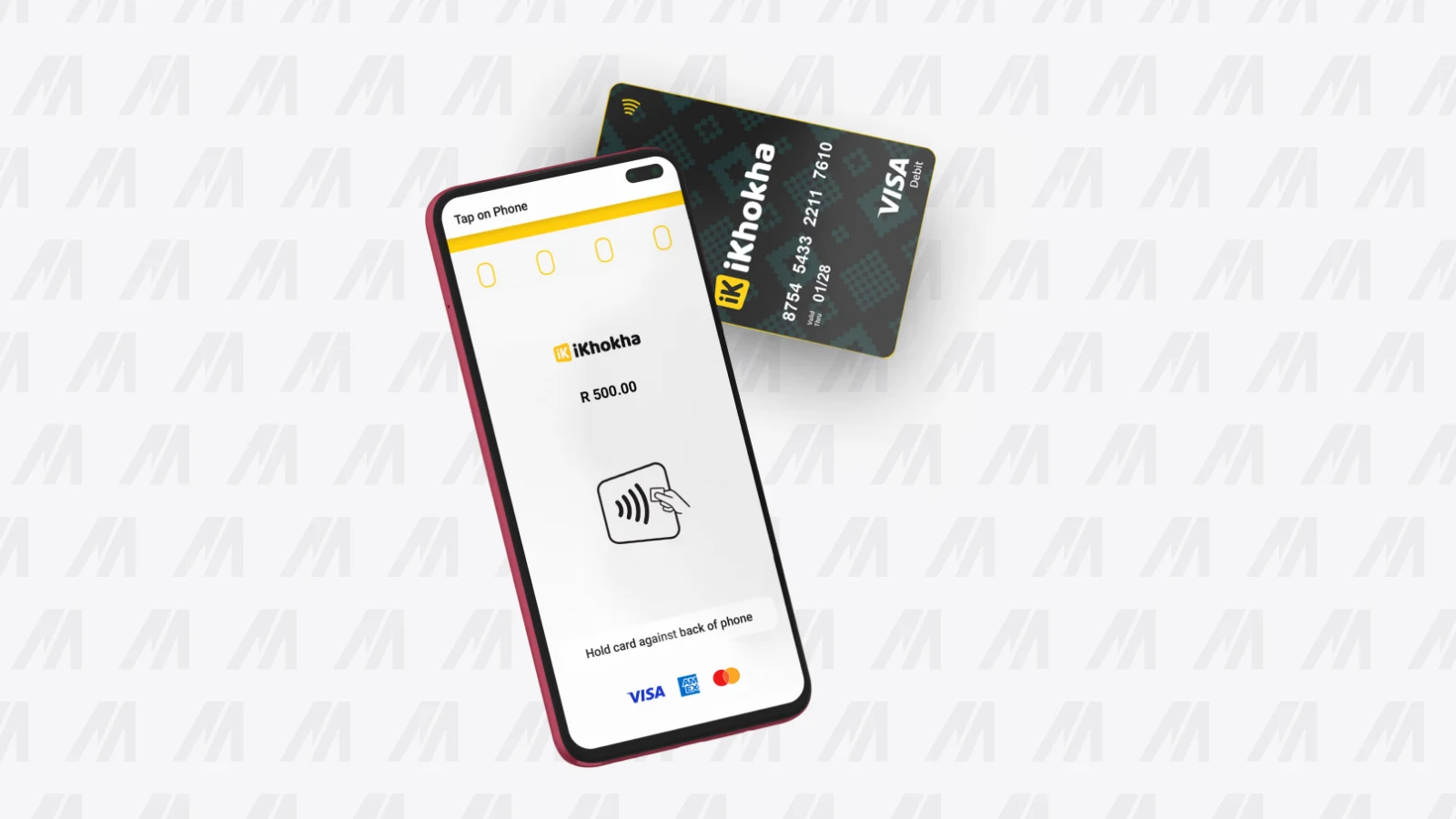
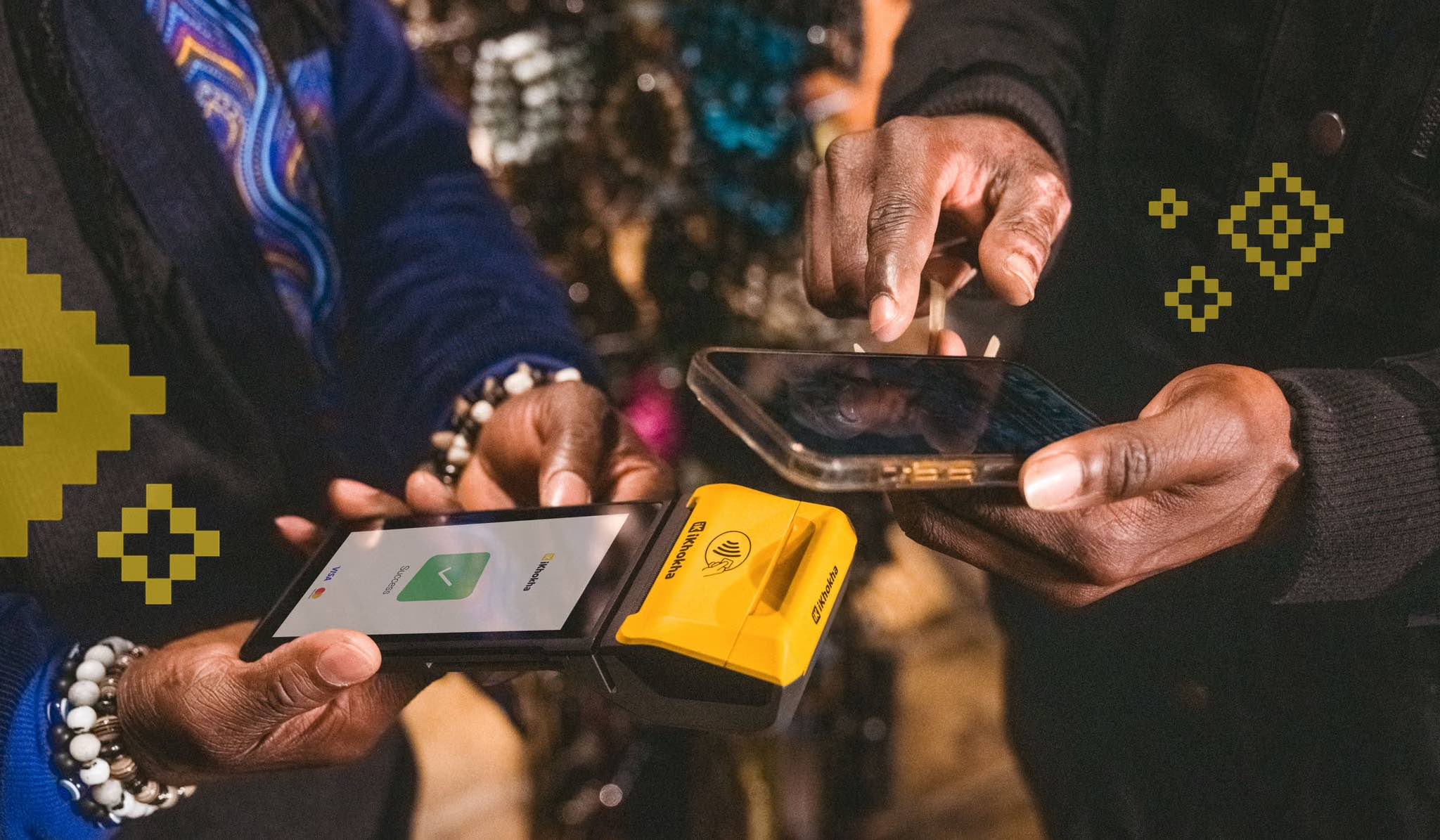
Your phone can take tap payments with no machine at all. Yoco offers Tap to Pay on iPhone, and iKhokha's app does the same on an Android phone at no charge. WAPPoint's SoftPOS app costs R50 a month, and it's free once your card sales pass R5 000.
A phone takes tap only, though, so a customer whose card doesn't tap can't pay you. It's a good way to start this week, or a backup when the machine's battery runs out. Once cards are a regular part of your sales, a machine serves you better.
3. Payment links, when the customer isn't with you
A payment link lets a customer pay you from anywhere. You send it by WhatsApp, SMS or email, and they pay by card on their own phone. It suits deposits, phone orders and anything you deliver, like a cake order, a booking deposit or a repair you collect for.
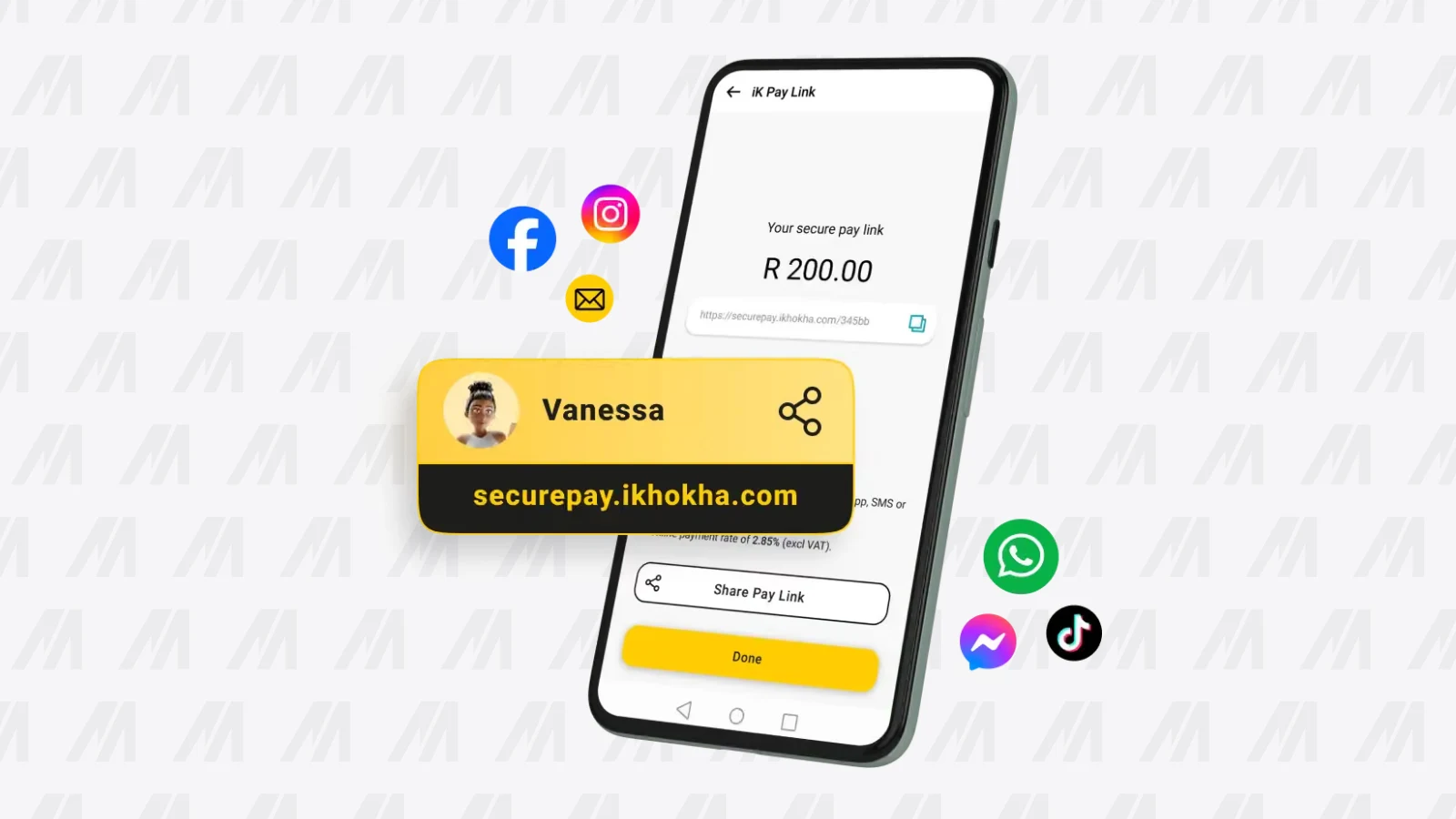
Yoco and iKhokha both include links at no extra cost, and the money arrives with the rest of your card sales. Yoco also has a plugin that adds card payments to an online store.
4. Invoices your customer can pay online
An invoice with a pay button gets you paid sooner than an EFT request. Yoco includes digital invoicing, and iKhokha's iK Invoice sends as many invoices as you need. Your customer opens it, pays by card, and you can see it's paid in the same app.
It suits plumbers, electricians, bookkeepers and anyone who quotes before the work. If you send a lot of invoices, our invoicing software guide compares tools built for that.
How to start, step by step
Here's the order I'd follow, so you're taking cards within the week.
Choose one company
Yoco for most shops, salons and service businesses; iKhokha if customers buy prepaid from you or you need same-day money.
Sign up online
Have your ID and bank details ready. A sole trader can sign up as well as a company.
Order your card machine
It's delivered to you. Use the app on your phone for tap payments while you wait.
Switch on links and invoices
They're in the same app, so you can send a payment link or an invoice from day one.
Build the fee into your prices
The fee comes off each card sale, so price with it in mind rather than adding it on at the till.
From here, the machine does most of the work, and links and invoices cover everything else.
What it costs to accept cards
You pay once for the machine, then a small fee on every card sale. Yoco charges 2.30% Excluding VATThe rate before 15% VAT is added, which is how almost every South African provider quotes. A rate of 2.30% excl. VAT actually bills you 2.645%, so two quotes are only comparable once you know which basis each is on.On a R100 sale2.30% excluding VAT is R2.30, and with 15% VAT on top Yoco keeps about R2.65 of the R100. iKhokha quotes its 2.10% the same way.Card machine fees in South Africa are quoted before VAT, and what leaves your sale is the fee plus 15%. If you're VAT-registered you claim that VAT back; if not, add 15% to every fee.See every term in the glossary with no monthly fee. iKhokha charges 2.10%, plus R75 a month if you use its SIMs and R2.50 for each payout.
So on most small businesses' card sales, Yoco's bill is lower, and iKhokha's lower fee pays off at higher card sales or on Nedbank. Our card machine fees guide explains every charge, so nothing on your statement surprises you.
So, how should you start accepting card payments?
Choose one company that does all four, and start with its card machine. For most businesses that's the Yoco Khumo 2: no monthly fee, data included, and links and invoices in the same free account.
If people ask you for airtime or electricity, as they do at spaza shops, taxi ranks and corner kiosks, choose the iKhokha iK Flyer Lite instead. Either way, you'll have every way to get paid in one place, and one set of fees to keep an eye on.
Shops, salons, cafés and service businesses accepting card payments for the first time.
Yoco Khumo 2
R699once-off
R699 once-off, R0 a month on Yoco's free Core plan, data included, 2.30% excl. VAT per local card sale (confirmed 5 November 2026)
Get R100 off the Khumo 2 Price confirmed 14 Oct 2026Questions people ask about accepting card payments
Do I need a business bank account to accept card payments?
Not always. Yoco doesn't ask for a registered company, and a sole trader can sign up with an ID and a bank account.Our guide to getting a card machine without a business account explains your options.
Can I accept card payments without a card machine?
Yes. Yoco offers Tap to Pay on iPhone, and iKhokha's app takes taps on an Android phone at no charge.You can also send payment links and invoices. A phone takes tap only, so a machine is better once cards are a regular part of your sales.
Which company offers card machines, payment links and invoices together?
Yoco and iKhokha both offer a card machine, tap payments on your phone, payment links and invoices in one account.WAPPoint rents card machines and has a phone app, but its pricing page doesn't list links or invoices.
Mentioned in this guide
 Ranked11 Best Card Machines in South Africa (2026)11 SA card machines ranked on what each costs you over a year.Last confirmed on 5 Nov 2026
 Ranked7 Best Invoicing Software in South Africa (2026)SA invoicing tools ranked on what gets you paid: local gateways, free-tier limits and real prices.Last confirmed on 24 Sep 2026
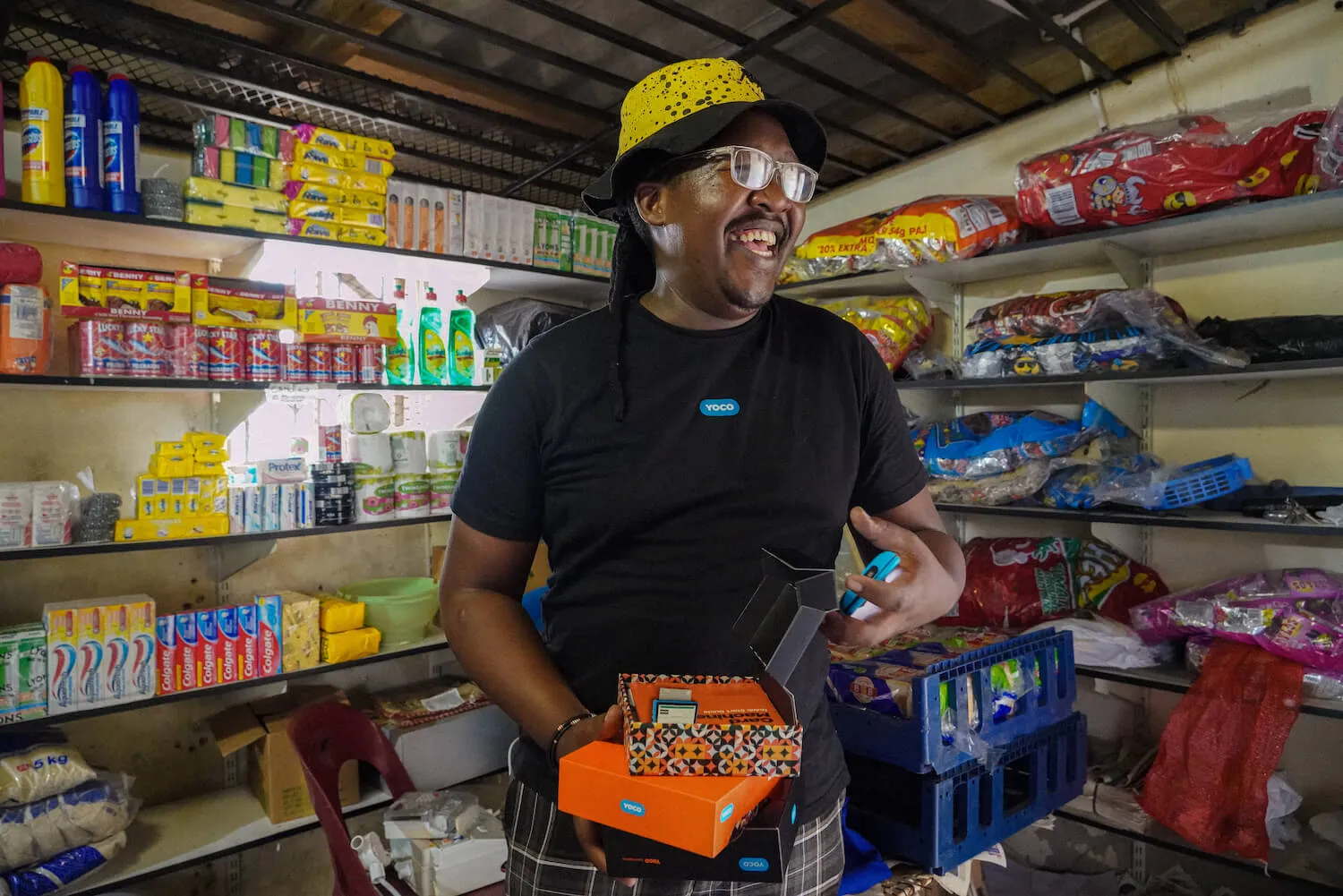 Business guideHow to Get a Card Machine Without a Business Account (2026)As a sole trader you need your ID and a bank account in your own name.Last confirmed on 5 Nov 2026
Where the deals are
Deals confirmed 24 Sep 2026
- Ranked5 Best Card Machines for a Small Business in SA (2026)The same field, worked through by type of business: what a spaza, a salon, a restaurant, a market stall and a mobile…
 Verified deal10% offthe iK Flyer and iK Flyer LiteGet the dealSee the ranking
 Verified dealR100 offany card machineGet the deal
- Ranked7 Best Portable Card Machines in South Africa (2026)Seven portable card machines compared on battery, SIM and printer, with the monthly cost at R5 000 to R20 000 in card…See the ranking
- Every discount in one placeThe extra discounts we foundTwo live discounts on card machines right now, each confirmed on the date shown.See all the deals